Artificial intelligence video generation has evolved at a breathtaking pace over the past several years. What began merely as viral internet memes depicting distorted figures attempting to eat spaghetti has rapidly transformed into sophisticated software capable of producing photorealistic commercials, animated explainers, dynamic social media advertisements, and cinematic short films directly from simple text prompts. However, for professional creatives, selecting the ideal AI video generator requires looking far beyond surface-level visual fidelity. Today’s marketplace features an array of models, each possessing distinct strengths, severe operational limitations, and vastly different pricing architectures.
When evaluating these platforms, subscription fees often represent only a fraction of the total investment. Many market-leading video generators rely heavily on complex credit systems, impose additional surcharges for premium high-resolution models, or strictly limit video length and maximum output resolution. These operational constraints can quickly inflate overall expenditures for studios and independent creators alike. To assist professionals in navigating this complex landscape, a detailed examination of the top five AI video generators available today reveals how they rank according to overall value, creative flexibility, and practical utility in a professional production pipeline.
The Evolution and Technical Maturity of AI Video Generation
The rapid ascent of generative video technology mirrors the broader artificial intelligence boom that began in the early 2020s. Initial iterations struggled with basic object permanence, physical consistency, and spatial reasoning, resulting in uncanny artifacts and surreal visual warping. However, massive influxes of venture capital, exponential advances in machine learning hardware, and the development of diffusion transformer architectures have bridged the gap between rough concept generation and broadcast-ready aesthetics.
Chronologically, the industry has shifted from experimental, text-only proof-of-concept models to integrated multi-modal ecosystems. Early adopters tested the waters with rudimentary open-source or closed beta tools that yielded low-resolution, three-second clips. By 2024 and 2025, commercial heavyweights entered the space, introducing native image-to-video capabilities, temporal consistency controls, and high-definition outputs. Today, in 2026, the technology has reached a point where Hollywood production houses, global advertising agencies, and freelance content creators routinely incorporate AI-generated B-roll, concept storyboards, and special effects into their daily workflows.
Despite these advancements, integrating AI video tools into a traditional editing environment remains a challenge. Producing a complete, cohesive video project rarely involves a single, flawless generation. Because models typically output clips ranging from five to ten seconds in length, filmmakers must generate dozens of variations, manage strict continuity parameters, and stitch multiple shots together. Consequently, what appears to be a modest ten-dollar monthly subscription fee can rapidly escalate into a significant operational expense once iteration costs, credit top-ups, and post-production software requirements are factored into the equation.
01. Adobe Firefly: The Ultimate Ecosystem Integration
Standing at the forefront of the market, Adobe Firefly has secured its position as the best overall AI video generator, primarily due to its deep integration with the broader Creative Cloud suite. Adobe, long established as an industry standard through professional editing software like Premiere Pro, has engineered Firefly to function as a seamless extension of existing workflows rather than an isolated, standalone web application.
Key Strengths and Professional Workflows
Firefly offers exceptionally strong prompt adherence, producing polished, cinematic footage designed specifically with commercial viability in mind. A significant advantage for enterprise users is safety and legal reassurance: Adobe’s native Firefly Video Models have been trained exclusively on licensed stock content and public domain materials, shielding commercial clients from the copyright liabilities associated with models trained on aggressively scraped internet data.
At major industry events like Adobe Max, the company expanded its native Firefly Video editor to streamline the process of combining generated clips with external elements such as audio effects, voiceovers, and static imagery. Furthermore, projects initiated within Firefly Boards—Adobe’s collaborative brainstorming workspace—can be transferred directly into the video timeline. The inclusion of an intuitive AI assistant further lowers the barrier to entry for editors looking to experiment with generative assets.
Crucially, Adobe has adopted an open-ecosystem approach. Rather than forcing users to rely solely on its proprietary models, Firefly integrates third-party powerhouses directly into its platform, giving subscribers access to competing engines like Google Veo, Kling, and Runway under a single roof.
Pricing and Limitations
Adobe’s Firefly Standard plan is priced at $9.99 per month, which grants users 2,000 generative credits—an allowance sufficient for approximately twenty five-second clips at 1080p resolution. Higher-tier subscriptions scale these allocations accordingly. Current pricing models value 1080p generation at roughly 100 credits per second, meaning a single five-second sequence consumes about 500 credits. While highly versatile, the platform’s visual output does not always match the hyper-realistic physics of specialized standalone models, and heavy users will inevitably find credit caps restrictive without an existing Creative Cloud Pro subscription.
02. Google Veo 3: The Benchmark for Cinematic Realism
For creators whose primary metric is absolute visual fidelity, Google Veo stands out as the premier video generation model currently on the market. Veo excels remarkably at rendering realistic physical movement, complex lighting interactions, authentic camera behaviors, and intricate environmental details that closely mimic traditional cinematography.

Performance and Industry Application
Google’s advanced prompt interpretation allows filmmakers and commercial advertisers to achieve high-end production aesthetics without commanding a Hollywood-sized budget. The model’s ability to handle complex spatial dynamics and maintain subject consistency across dynamic camera pans has made it a favorite for high-concept advertising campaigns and proof-of-concept trailers.
Pricing and Access Models
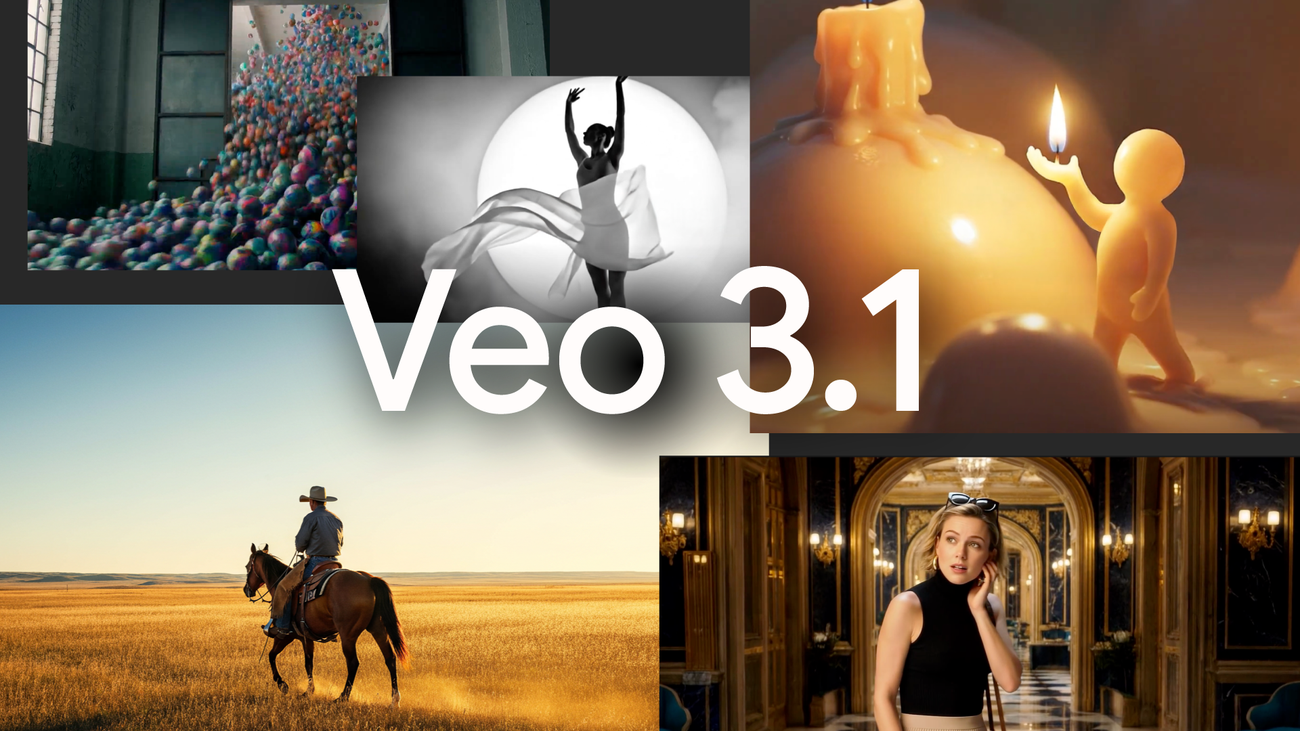
Access to Google Veo is managed through consumer subscriptions, developer APIs, and third-party integrations like Adobe Firefly. For direct API developers, Veo 3.1 operates on a pay-per-second model costing approximately $0.40 per generated second, placing a standard five-second clip at around $2.00 before accounting for retakes and variations. This makes Veo one of the most expensive platforms per generation.
For consumer and professional accounts, Google integrates Veo through platforms like Google Gemini and Google AI Studio. The Gemini ecosystem offers a limited free tier, while the Google AI Pro subscription costs $19.99 monthly for 1,000 Flow credits—translating to roughly 100 low-tier drafts or 10 watermarked, high-quality standard definition videos. For enterprise-level production, Google Ultra AI tiers start at $99.99 per month, supplying 25,000 monthly credits to support high-volume, 1080p draft generation.
03. Runway: Advanced Creative Controls for Directors
Runway remains a pioneer and structural veteran in the generative AI video space. While some newer market entrants occasionally rival its baseline visual realism, Runway consistently outpaces competitors by offering deep, granular creative controls that appeal directly to professional directors and visual effects artists.
Specialized Editing Toolkit
Beyond simple text-to-video prompts, Runway provides a sophisticated suite of post-production tools. Creators can isolate specific subjects, execute precise color grading, modify depth of field, generate slow-motion effects, and utilize advanced "inpainting" to seamlessly erase unwanted background objects from generated frames. These capabilities bridge the gap between pure artificial generation and traditional post-production editing.
Pricing Structure
Runway operates on a tiered subscription model backed by a monthly credit system. The Standard plan starts at $15 per month, providing 625 credits—calculated to yield roughly 52 seconds of footage using their advanced Gen-4.5 models. However, because professional workflows demand extensive experimentation, active creators producing weekly social and commercial content will likely need to upgrade to the Pro tier at $35 per month or higher to avoid mid-month credit exhaustion.
04. Kling: High-Value Motion and Budget-Friendly Output
Emerging from international markets, the Kling platform has disrupted the AI video landscape by delivering exceptional motion generation and character consistency while significantly undercutting Western pricing models.
Core Advantages
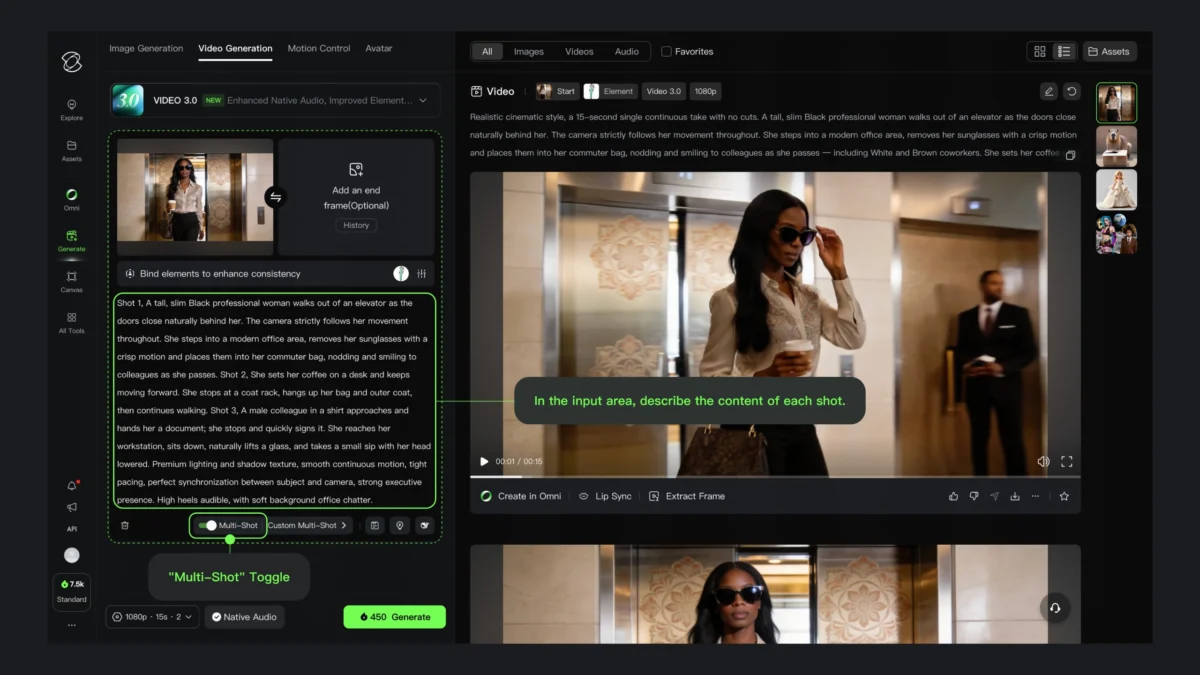
Kling is particularly adept at animating complex human movements, maintaining stylistic consistency over longer sequences, and generating extended clip durations compared to its immediate peers. For independent YouTubers, digital marketing agencies, and small businesses operating under tight budgetary constraints, Kling offers an attractive balance of quality and affordability.

Cost Efficiency
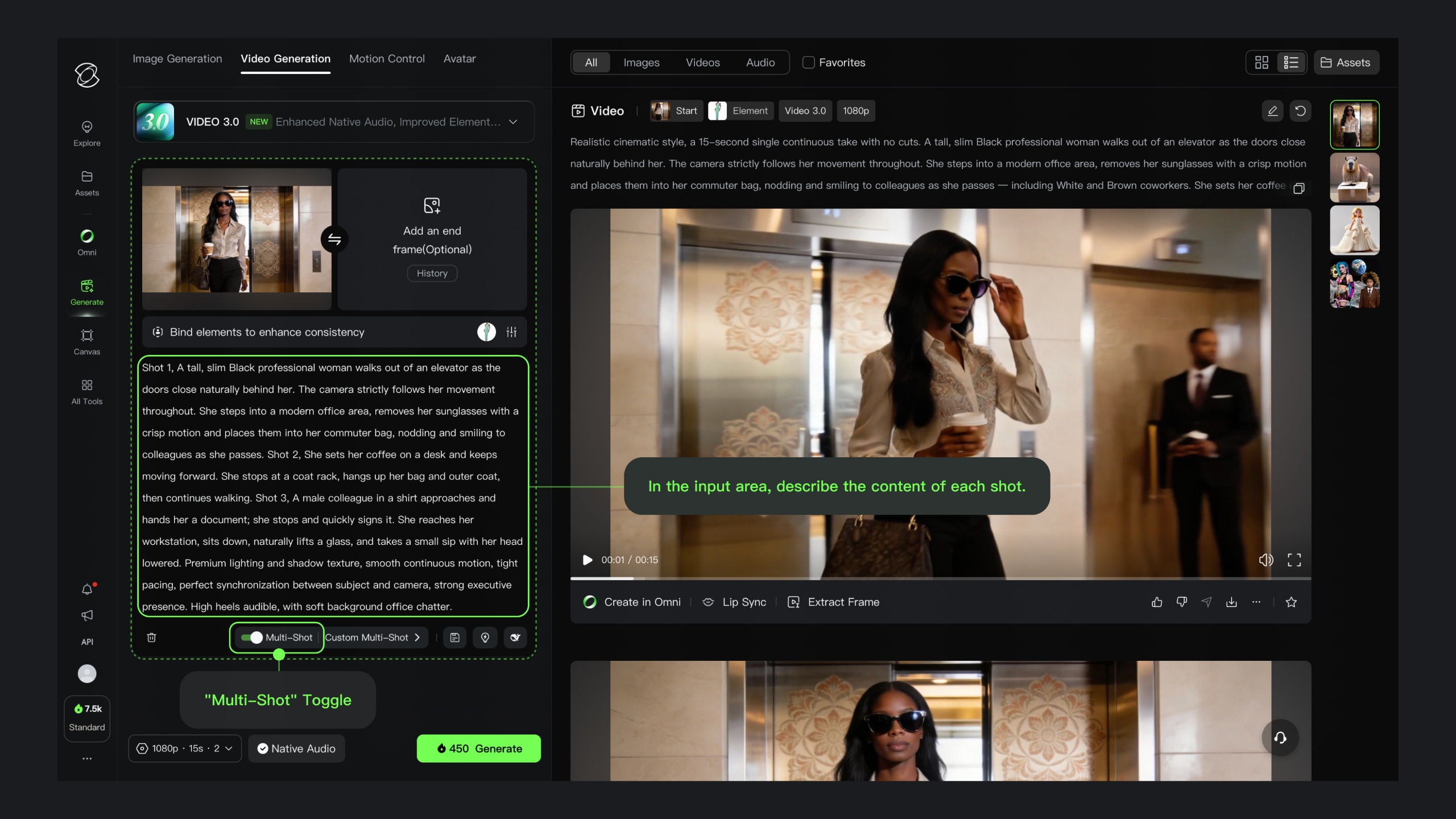
Paid plans for Kling begin at under $10 per month. A typical five-second 1080p clip consumes roughly 40 credits, reducing the effective cost to between $0.40 and $0.60 per generation depending on the active tier. This pricing structure makes Kling one of the most cost-effective premium solutions available, significantly undercutting competitors like Google Veo and Runway, though occasional interface inconsistencies and variable output quality remain minor drawbacks.
05. Hailuo: Rapid Experimentation and Ideation
When project constraints prioritize speed and cost over cinematic perfection, Hailuo emerges as an effective tool for rapid prototyping and conceptual development.
Utility in Pre-Production
Designed specifically for fast iteration, Hailuo allows creative teams to test narrative concepts, build rough storyboards, and visualize scene compositions rapidly before committing time and budget to higher-end rendering systems. Standard subscription plans are aggressively priced, typically ranging between $8 and $15 monthly. A standard 1080p generation consumes approximately 50 credits, placing per-clip costs around $0.50 to $0.75. The primary trade-off lies in output consistency; users often find themselves generating a higher volume of raw clips to achieve a satisfactory result, which can partially neutralize its initial economic advantage.
Industry Implications and Financial Realities
As generative video technology matures, industry analysts note a fundamental shift in how creative agencies approach pre-production and asset acquisition. Stock footage libraries and traditional rendering pipelines are increasingly being augmented—and in some cases replaced—by prompt-driven workflows.
However, organizations adopting these tools must manage hidden operational overhead. Subscription fees rarely paint an accurate financial picture. Due to the probabilistic nature of generative models, creating a single usable, continuous scene often requires dozens of iterations. When multiplied across commercial production schedules, credit consumption rates can quickly escalate software budgets beyond anticipated levels. Furthermore, because AI video generators rarely handle final audio mixing, multi-track timeline assembly, or professional color grading, production houses must maintain complementary investments in traditional editing suites and specialized hardware.
Conclusion
Selecting the appropriate AI video generator ultimately depends on the specific demands of the project and the workflow of the creative team. For comprehensive production environments requiring deep software integration, Adobe Firefly emerges as the most balanced and versatile choice, particularly given its native inclusion of leading third-party engines like Google Veo and Runway.
For projects requiring uncompromising visual realism, Google Veo remains the gold standard. Directors seeking granular manipulation of camera paths and lighting will find Runway indispensable, while budget-conscious creators and agencies prioritizing rapid concept testing will lean heavily toward Kling and Hailuo. Regardless of the chosen platform, professionals are advised to look past headline subscription costs, factoring in credit burn rates, rendering limitations, and necessary post-production infrastructure to accurately gauge the true total cost of ownership in the rapidly evolving AI video economy.