The office chair market has long struggled to strike a harmonious balance between exorbitant pricing, mechanical reliability, and practical ergonomic features. Consumers are frequently forced to choose between ultra-budget options like the Sihoo M18, which offer baseline ergonomic utility at a low cost, or luxury models like the Hbada X7, which often pack unnecessary and overly complex technological novelties that inflate retail costs without enhancing daily comfort. Finding a seating solution that successfully navigates price, genuine comfort, and meaningful electronic integration is exceptionally rare.
The LiberNovo Omni Pro enters the high-end office furniture sector seeking to bridge this divide. Retailing at a standard price of $1,299 / £1,369—though frequently found on promotional sale for around $1,009 / £989—this premium seating solution aims to justify its four-figure cost through advanced biomechanics, plush upholstery, and thoughtful electronic integrations that extend far beyond standard gimmicks. For remote professionals, digital artists, and enterprise employees spending upward of eight hours a day at a desk, the Omni Pro represents a compelling, albeit expensive, investment in spinal health.
Anatomy of Comfort: Ergonomics and Biomechanical Engineering
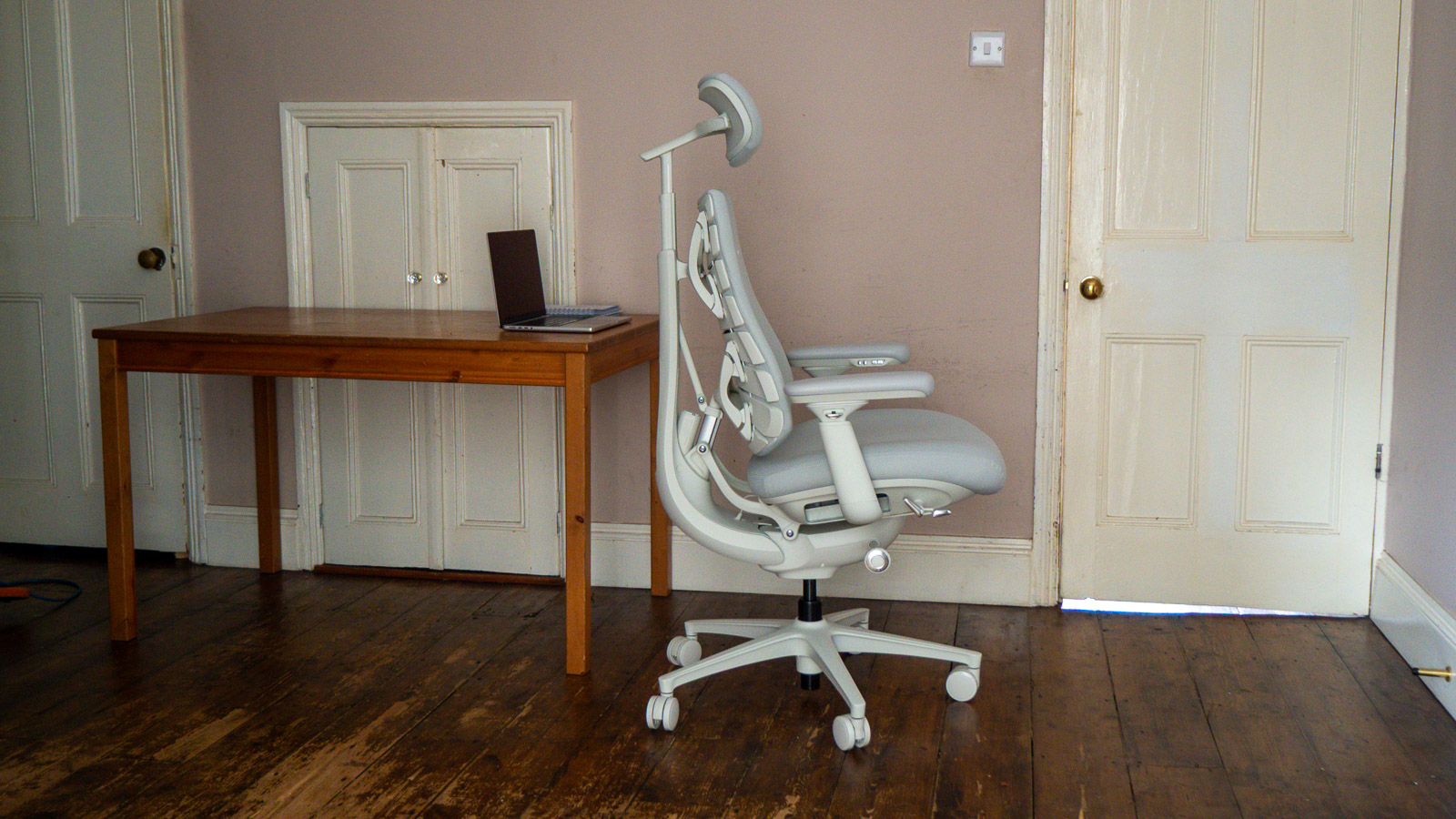
At the core of the LiberNovo Omni Pro’s design philosophy is an innovative approach to lumbar and spinal support. Traditional office chairs typically rely on a static or manually adjustable lumbar pad that targets a single point in the lower back. The Omni Pro replaces this conventional method with an engineered system comprising eight segmented, flexible panels that actively rotate and contour to the natural curvature of the user’s entire spine.
A central electric piston drives this vertebral array, exerting subtle, calculated pressure to maintain continuous contact with the back. This configuration distributes weight evenly across the thoracic and lumbar regions, reducing localized pressure points that commonly lead to chronic fatigue and back pain during long working hours. Industry analysts and ergonomic specialists have noted that dynamic lumbar systems, when executed correctly, significantly decrease the incidence of musculoskeletal disorders associated with sedentary office work.
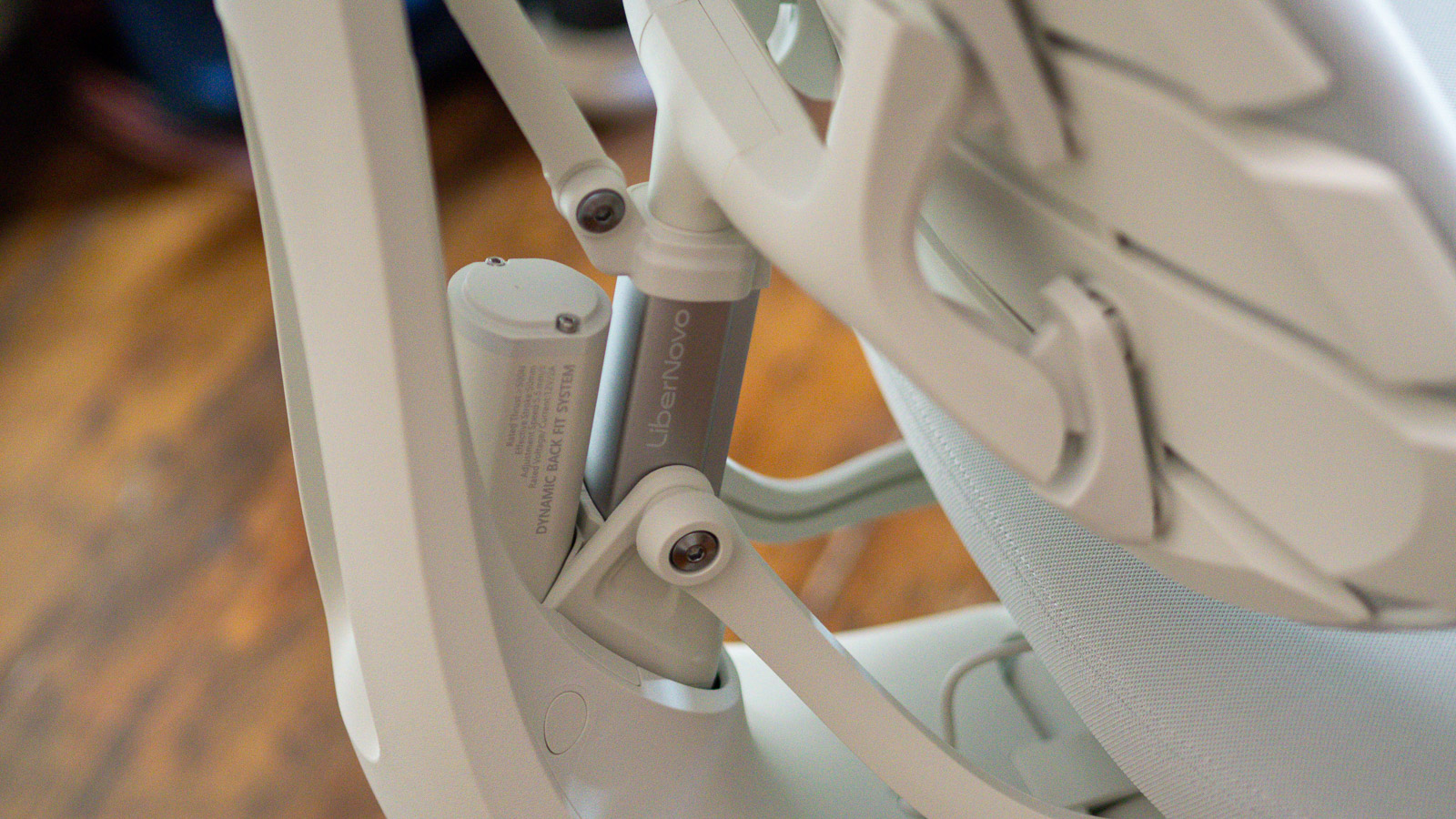
Furthermore, the chair incorporates a proprietary setting known as OmniStretch mode. When activated, the motorized lumbar support executes a slow, rhythmic vertical oscillation. This gentle mechanical motion stretches the user’s back muscles incrementally, promoting micro-movements and blood circulation throughout the torso without requiring the user to leave their workstation. Unlike aggressive mechanical massage rollers found in competing luxury models—which can feel intrusive or mechanically harsh—the Omni Pro’s breathing motion is designed to blend seamlessly into the background of a focused workday.
Design Language and Aesthetic Integration
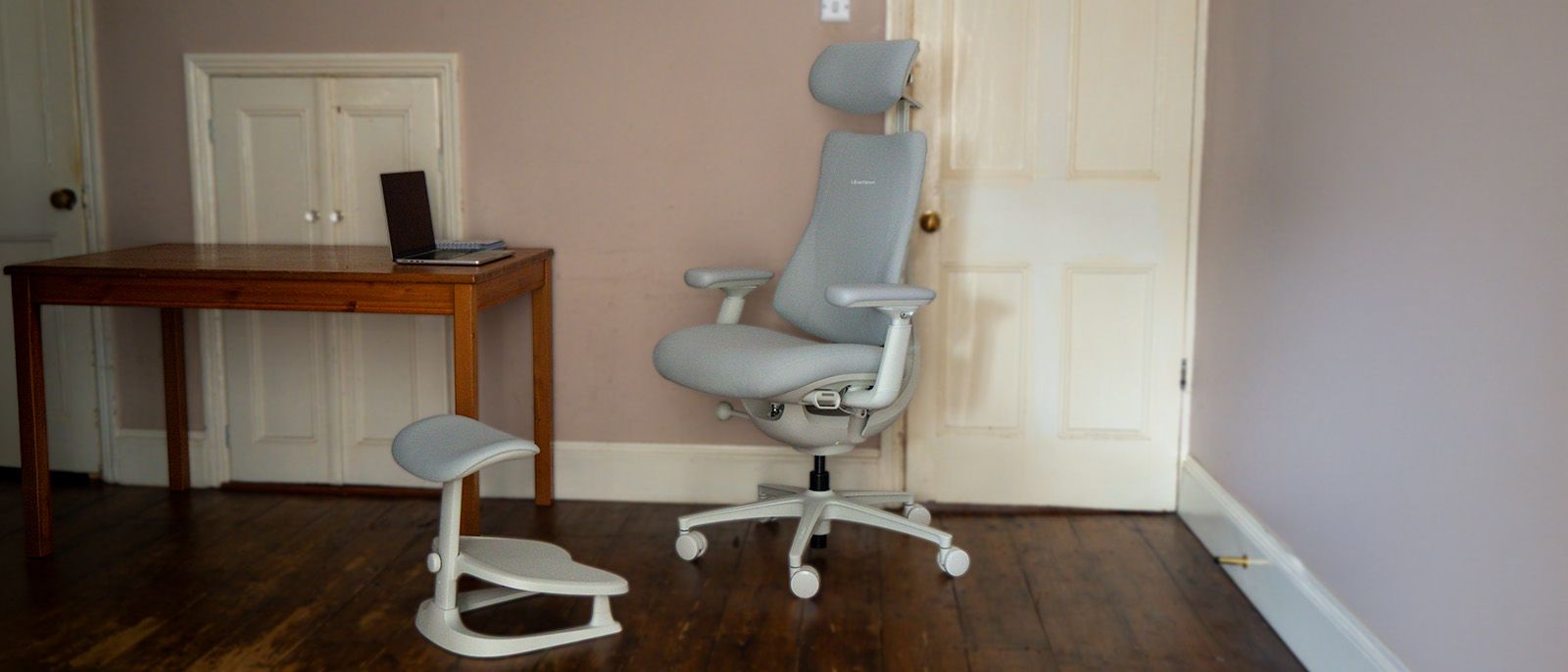
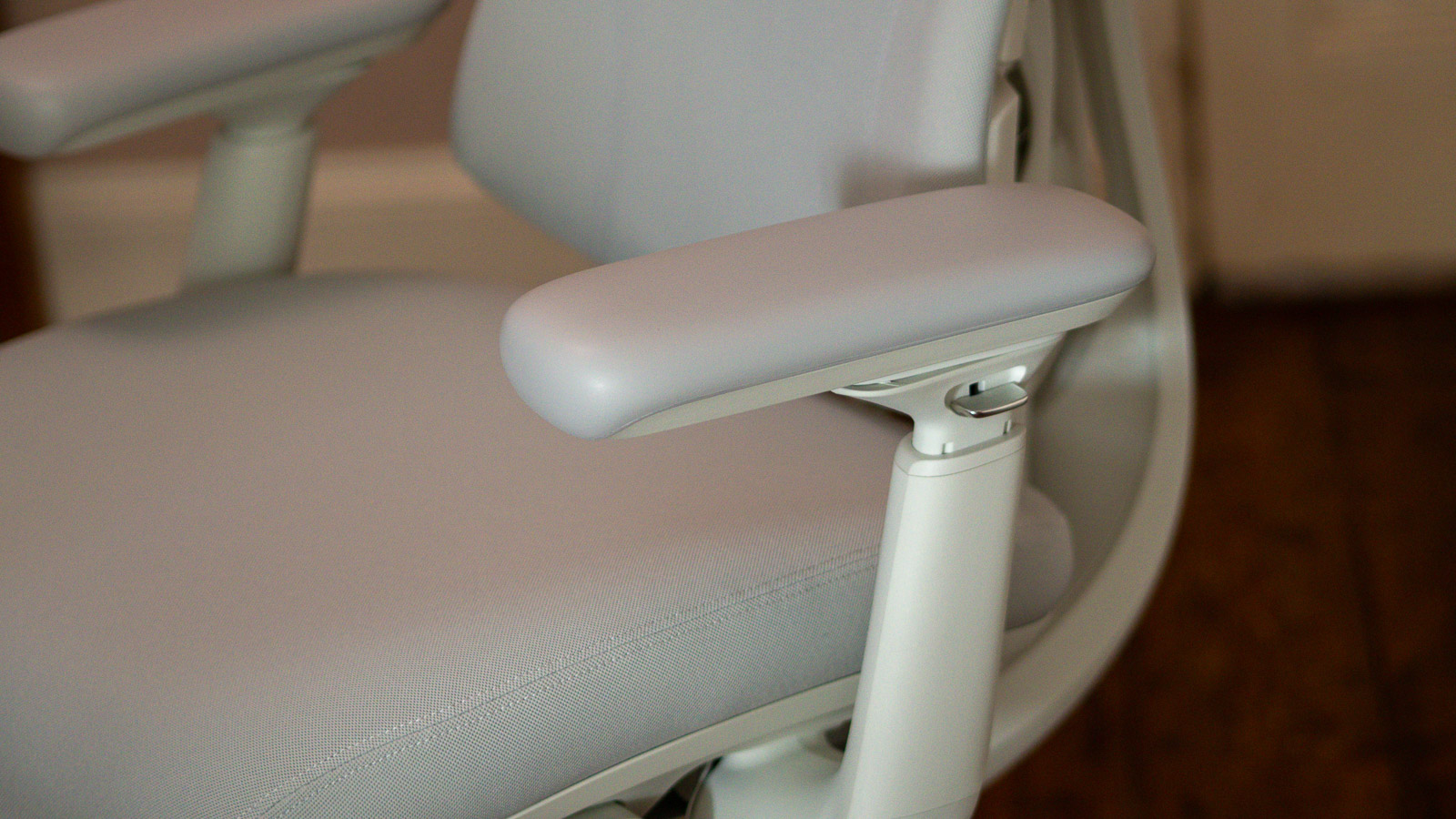
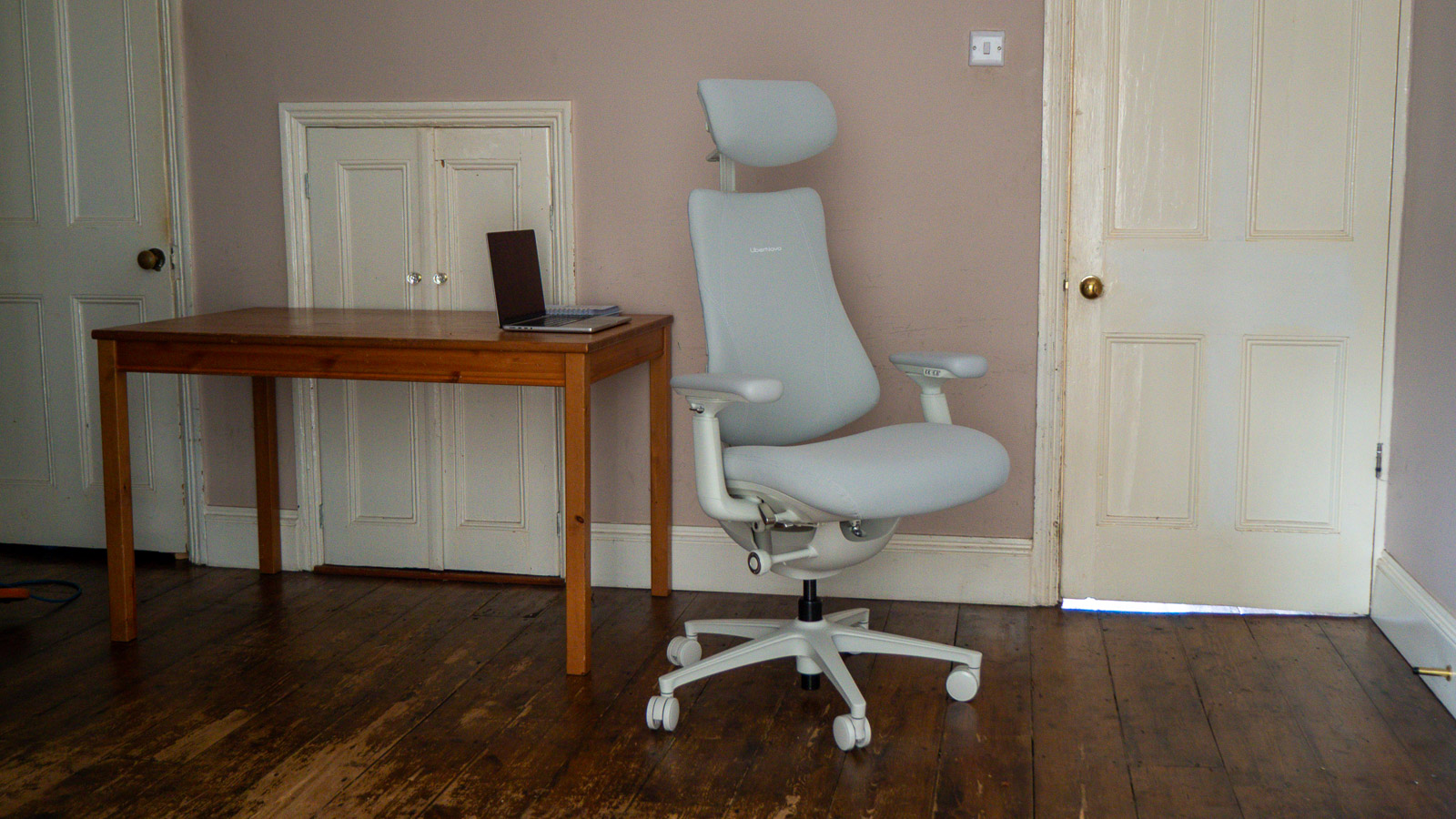
Aesthetic considerations in office furniture often force a compromise between corporate minimalism and aggressive gamer-centric styling. The LiberNovo Omni Pro occupies a distinctive middle ground. Viewed from the front, the chair presents a soft, cloud-like aesthetic characterized by generous cushioning and approachable contours that signal immediate comfort.
However, a shift to the side or rear perspective reveals a distinctly organic, mechanical architecture. The curved spine bracket, the vertebral panel system, and the motorized housing evoke biomorphic design elements reminiscent of industrial science-fiction machinery. Available in two primary colorways—Graphite and Glacier—the chair makes a bold visual statement that leans into its technological capabilities rather than attempting to conceal them.
Weighing in at 25.3 kilograms, the chair possesses a substantial physical footprint, driven largely by the heavy-duty motorized bracket arc that forms the backbone of its structural integrity. It supports a maximum load capacity of 136 kilograms (approximately 300 pounds) and accommodates users up to 6 feet 1 inch tall in its standard configuration, with a larger "Maxi" variant available for taller profiles. The 54.5 cm width and 132.5 cm height dimensions demand adequate spatial clearance in a home office or corporate studio environment.
Power Management and Connectivity
Integrating electronic features into an office chair introduces unique logistical challenges, primarily concerning power delivery and cable management. LiberNovo addresses this by equipping the Omni Pro with a removable, rechargeable battery pack that powers the chair’s motorized lumbar adjustments, active cooling fan systems, and rhythmic stretching modes.
The battery refuels via a standard USB-C connection, minimizing proprietary clutter. While the omission of permanent tethered cables prevents tangling hazards during routine height adjustments or swivel rotations, the reliance on an independent power source means users must periodically recharge the unit. Reviewers and early adopters have noted that for individuals prone to forgetting maintenance tasks, acquiring a secondary backup battery at the time of purchase is a prudent precaution to ensure uninterrupted access to the chair’s motorized features.
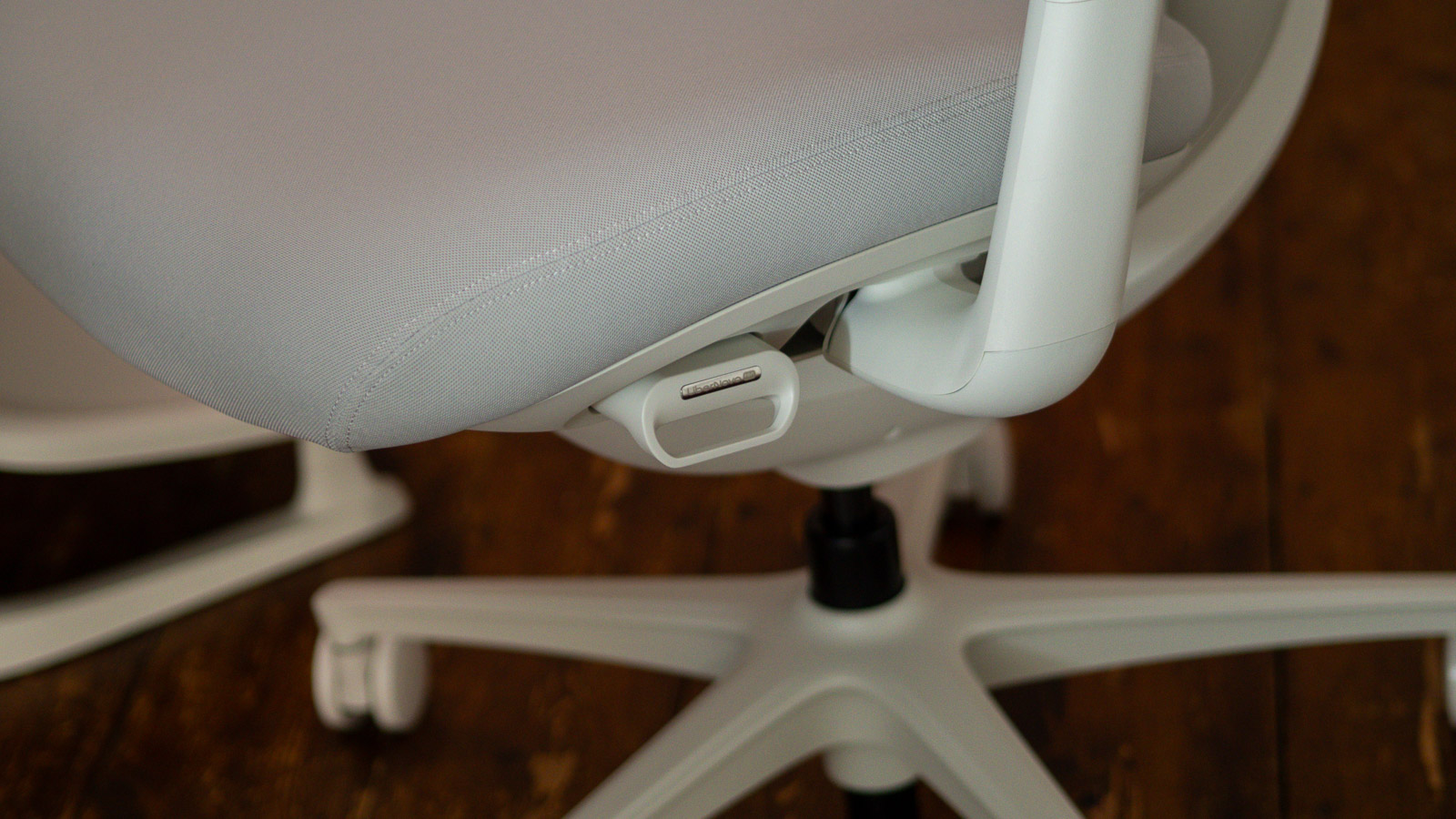
In addition to the motorized backrest, the seat pad incorporates an integrated cooling fan mechanism designed to mitigate heat retention. Traditional non-mesh, high-density foam cushioning frequently traps body heat, leading to discomfort during extended sessions. The Omni Pro’s active airflow system actively circulates air through the seating surface, maintaining thermal equilibrium without generating disruptive noise levels.
Comparative Market Analysis
The market for office chairs priced above $1,000 has expanded significantly over the past five years, driven by the global transition toward hybrid and remote work models. Within this tier, the LiberNovo Omni Pro competes directly against established heavyweights such as the Herman Miller Embody and tech-forward challengers like the Hbada X7.
The Herman Miller Embody, which routinely retails at double the price of the Omni Pro, remains a benchmark for passive ergonomic engineering. It utilizes a pixelated support matrix that dynamically conforms to micro-movements without the need for electronic motors. However, the Embody lacks active features such as motorized lumbar stretching and integrated seat cooling fans. For consumers prioritizing pure mechanical simplicity and legendary brand longevity, the Embody maintains its appeal, albeit at a significantly higher financial barrier to entry.
Conversely, direct tech-infused competitors like the Hbada X7 attempt to incorporate similar automated relaxation and adjustment features but often struggle with software-hardware integration. User feedback on the X7 frequently cites overly complex control schemes and jarring massage routines that detract from daily productivity. By contrast, the LiberNovo Omni Pro restricts its electronic interventions to targeted spinal health maintenance and thermal regulation, ensuring that the technology serves a functional purpose rather than acting as a superficial marketing checkbox.
Assembly Process and Component Quality
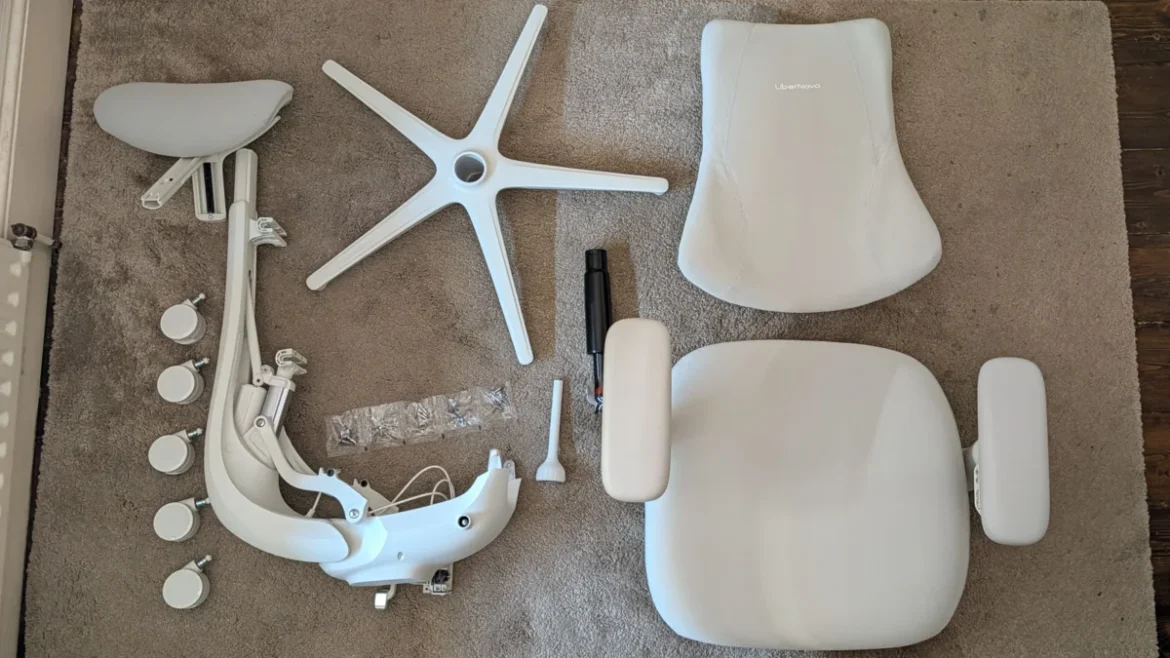
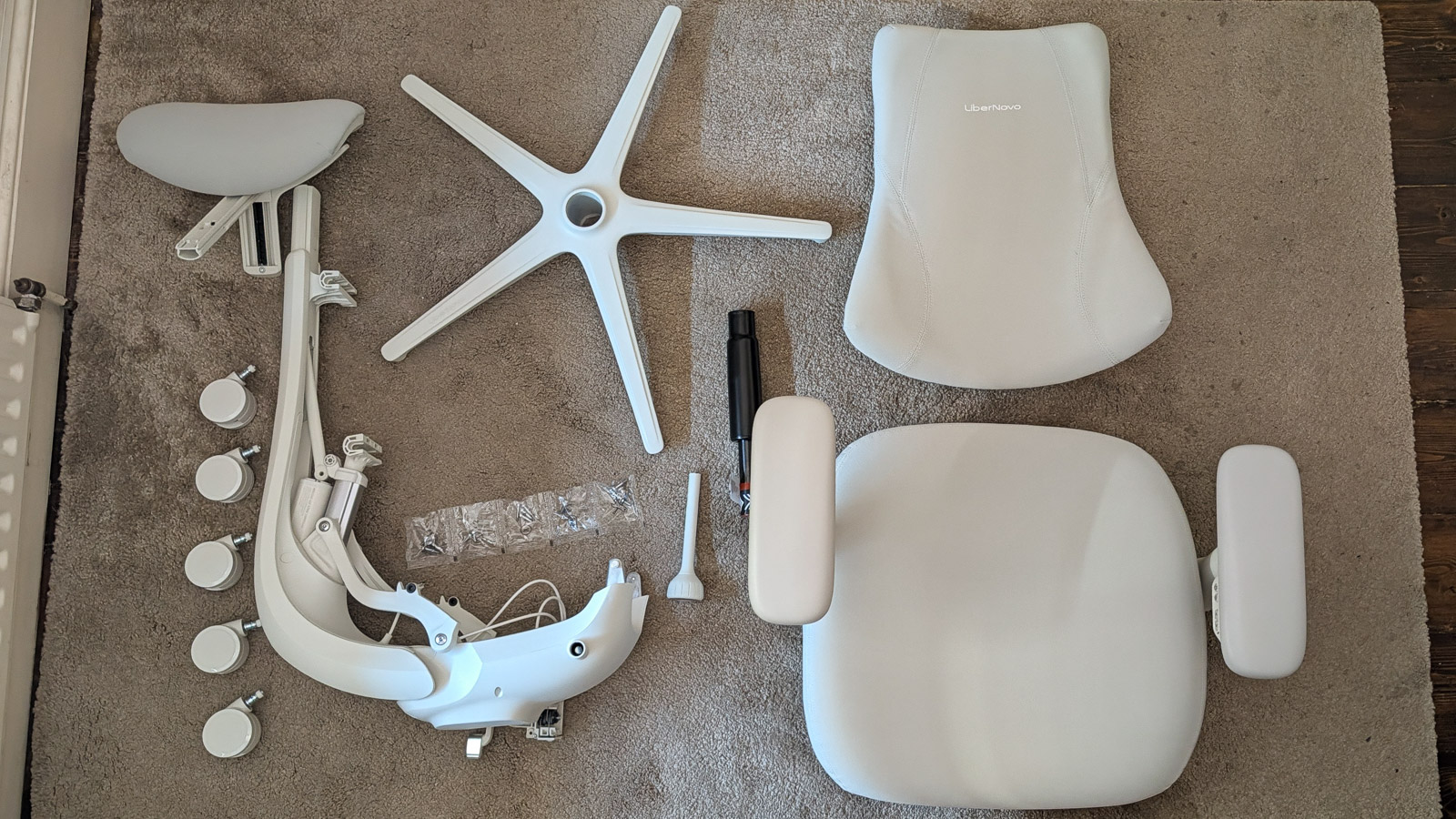
Assembling high-end office furniture can often be a frustrating endeavor due to excessive hardware counts and ambiguous instruction manuals. The LiberNovo Omni Pro streamlines this process through a modular design anchored by its heavy central back bracket.
The assembly requires fastening a minimal number of high-tolerance bolts, guided by oversized visual documentation. However, assemblers must exercise caution regarding internal orientation; specifically, ensuring the primary control levers are aligned laterally rather than forward-facing during initial construction prevents the need for disassembly and realignment later in the build process.
The six-year warranty provided by LiberNovo underscores the manufacturer’s confidence in the durability of its mechanical pistons, electronic actuators, and high-density cushioning materials. This warranty coverage places the Omni Pro on competitive footing with industry leaders who typically offer extended structural guarantees to justify premium pricing.
Industry Implications and Future Outlook
The launch and reception of the LiberNovo Omni Pro highlight a broader evolution in ergonomic furniture design. As workspaces continue to decentralize into home environments, consumer expectations have shifted. Buyers are increasingly willing to invest in appliances that offer holistic wellness benefits—such as active posture correction, thermal management, and stress-reduction features—rather than passive seating alone.
While the $1,000-plus price tag ensures that the Omni Pro remains a niche product aimed at dedicated professionals, software developers, and digital creatives, its success demonstrates that electronic integration in office seating can move past the realm of gimmicks. If manufacturers can continue to refine battery life, reduce overall structural weight, and streamline motorized components, active ergonomics may transition from a luxury novelty to a standard expectation in high-end workspace design.